
Best On-Page SEO Tools Every Marketer Should Know in 2025
When it comes to ranking high on Google, on page SEO still forms the backbone of your whole strategy. You could build hundreds of backlinks, but if your on site optimization isn’t right, search engines won’t really trust your pages.
With all the new Google algorithm updates in 2025, on page SEO tools have become way smarter — offering AI based tips for improving structure, keyword placement, meta tags, and even user experience.
So, which ones are worth using?
Let’s take a quick look at the best on page SEO tools for 2025 that help marketers write, audit, and optimize faster.
What Exactly is On Page SEO?
On page SEO includes everything you do within your website to rank better — from your headings, meta descriptions, and keyword use to technical stuff like page speed and URL structure.
It also covers:
- Keyword placement in titles, headings, and body
- Optimizing meta tags
- Internal links between pages
- Image alt text and compression
- Readability and intent based writing
For a deeper dive into SEO audits, check out our guide on Free SEO Audit Tools for 2025.
Why You Need On Page SEO Tools
Manual optimization takes time. Using the right tools helps you:
- Save hours with automated SEO checks
- Find quick fixes for technical errors
- Track keyword usage and readability
- Stay ahead with AI generated recommendations
In 2025, on page SEO tools have evolved beyond simple keyword checkers. Many now use machine learning to analyze search intent and content depth in real time. AI based insights can highlight missing semantic keywords, suggest better title structures, and even predict how your content might perform on search results. These improvements help marketers spend less time guessing and more time improving what actually matters — relevance, structure, and experience.
Best On-Page SEO Tools for 2025
1. Yoast SEO (Best for WordPress)
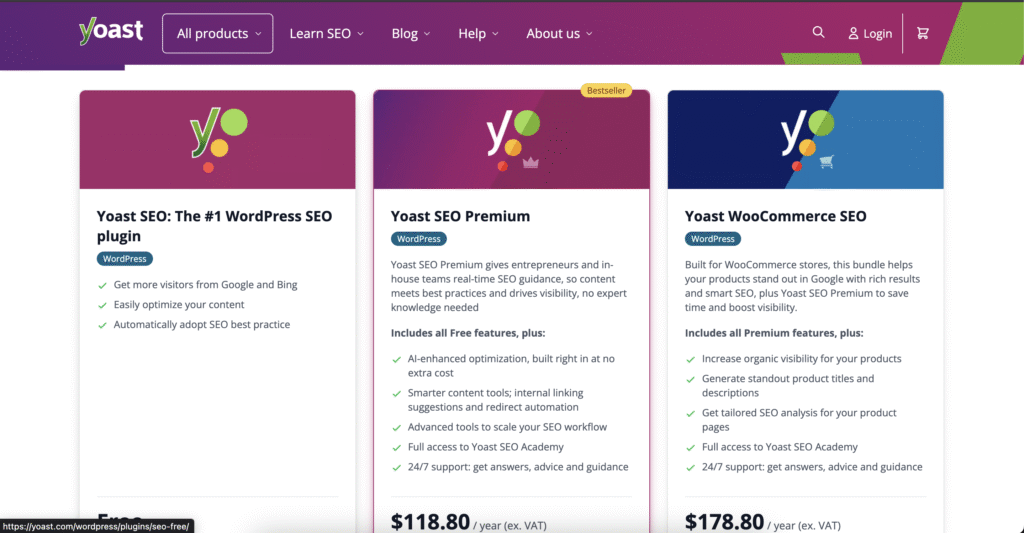
Yoast checks meta tags, keyword density, and readability, showing clear green lights when things are done right.
It even builds XML sitemaps automatically.
Best for: Bloggers and small business sites using WordPress.
Alternative: Rank Math for extra schema features.
2. SurferSEO (AI Powered Content Optimization)
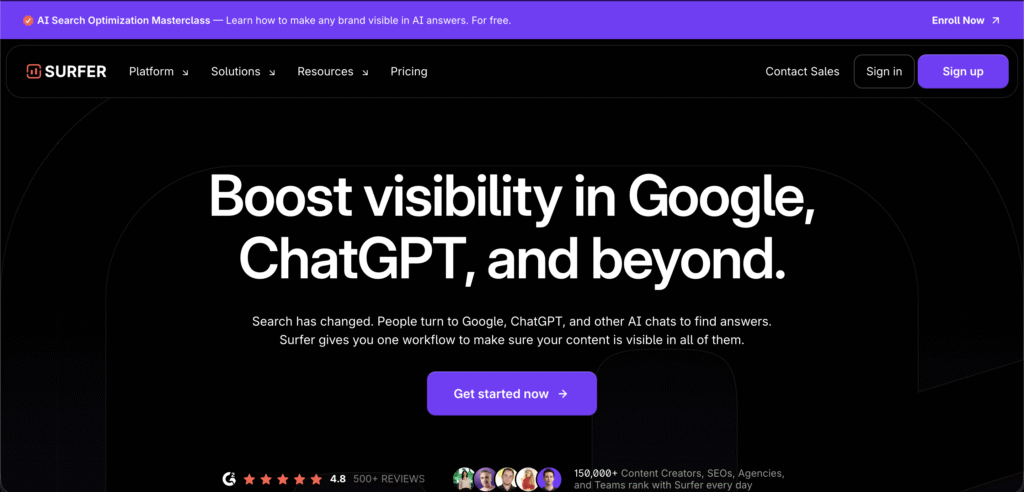
SurferSEO compares your content with top ranking pages and suggests NLP keywords for better context.
Perfect for marketers creating long form blog content.
3. Clearscope (Semantic Keyword Optimization)
Clearscope helps improve topic depth and search intent alignment.
Writers use it to boost content scores and add relevant LSI keywords naturally.
4. Screaming Frog SEO Spider
A strong desktop crawler that finds broken links, duplicate pages, and missing meta tags — up to 500 URLs for free.
It integrates with Google Analytics and Search Console for better data insights.
5. Google Search Console
Still one of the most reliable free tools since the data comes directly from Google.
Use it alongside SEOquake to track keyword density, on page metrics, and Core Web Vitals.
6. Ahrefs Webmaster Tools
Ahrefs helps identify technical issues, poor internal linking, and lost backlinks.
It’s great for spotting opportunities to strengthen your site’s structure.
7. PageSpeed Insights & GTmetrix
These tools check how fast your website loads on both mobile and desktop.
They also give specific suggestions — like caching or image compression — to improve Core Web Vitals.
8. Rank Math
An advanced WordPress plugin offering schema markup, internal link suggestions, and AI based meta descriptions.
9. Grammarly & Hemingway
Even strong SEO won’t matter if your writing’s confusing.
Use Grammarly to fix clarity and Hemingway to make sentences shorter and easier to read.
Choosing the Right Tool
Before subscribing to any, ask:
- Is it beginner friendly or too technical?
- Does it integrate with your CMS?
- Are you focusing on content, or technical SEO too?
For example, SurferSEO and Clearscope excel at content optimization, while Screaming Frog handles technical audits.
Quick Comparison Table
| Tool | Best For | Free/Paid |
|---|---|---|
| Yoast SEO | WordPress Optimization | Free + Premium |
| SurferSEO | AI Content Optimization | Paid |
| Screaming Frog | Technical Audits | Free (500 URLs) |
| Google Search Console | Indexing Insights | Free |
| Clearscope | Semantic Keyword Optimization | Paid |
Still not sure which one to go with? You can start small using free tools like Google Search Console or even Screaming Frog to get used to doing audits. Once you begin seeing patterns in your site data, investing on AI based premium tools such as SurferSEO or Clearscope can make a big difference. The goal isn’t just to rank higher once, but to keep those rankings steady with regular on-page improvements.
Further Reading
- SEO Technical Audit Checklist for 2025
- How to Use AI Tools for Digital Marketing in 2025
- Google Search Central’s SEO Starter Guide
FAQs: On-Page SEO Tools
1. What’s the easiest on page SEO tool for beginners?
Yoast SEO — especially if you’re running a WordPress site.
2. Which tools use AI for optimization?
SurferSEO and Clearscope use AI and NLP for keyword recommendations.
3. Do I need both technical and content tools?
Yep, ideally. Technical tools like Screaming Frog fix backend errors, while SurferSEO improves your writing.
4. Are free tools enough?
Free ones like Google Search Console are essential, but paid tools give deeper insights.
5. Which tools help with Core Web Vitals?
GTmetrix and PageSpeed Insights are your go to options.
