Google My Business Optimisation for Chennai Businesses in 2026
Google My Business is now called Google Business Profile, and for most Chennai businesses it is the single most valuable free listing on the internet. This is a field-by-field guide to setting it up properly, following Google’s own rules, with the Chennai details that generic guides miss.
Google My Business, Google Business Profile: same thing
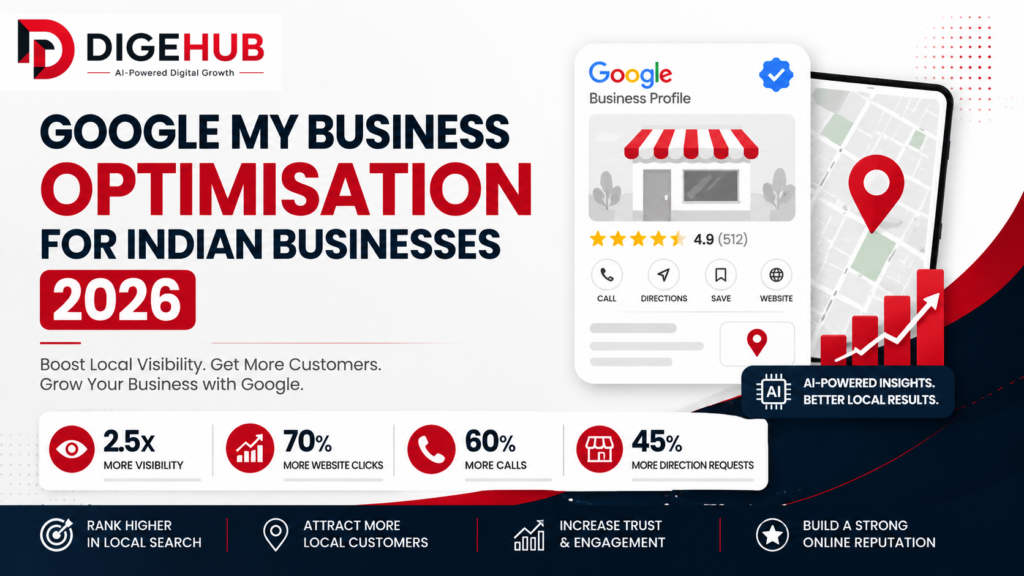
Google renamed Google My Business to Google Business Profile some years ago, and most people still search for the old name. We use both here so you can find this page, but when you look for settings, look for Business Profile. You manage it from Google Search and Maps while signed in with the account that owns it.
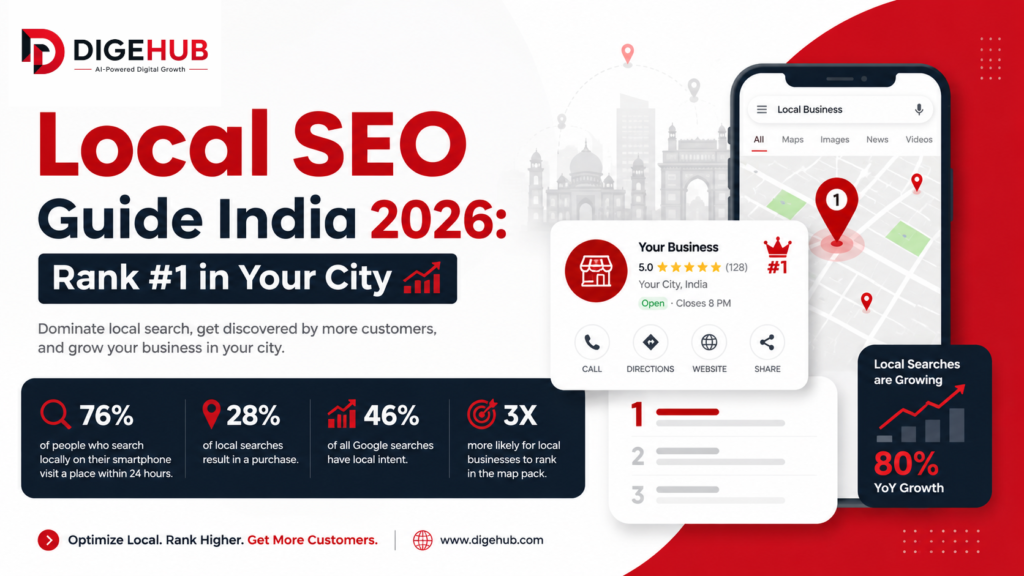
It matters because it feeds the map pack, the knowledge panel that appears when someone searches your name, and the local details that Google’s AI features can draw on. Google’s own help page states that local results are based mainly on relevance, distance and prominence, and that you cannot request or pay for a better local ranking. So the job is to be accurate, complete and genuinely well reviewed. Our complete local SEO guide for Chennai shows how the profile fits into the wider picture, and our India guide to Google My Business is a national companion.
Step 1: Check you are eligible
Google’s guidelines are strict, and breaking them is the main reason profiles get suspended. The rules, summarised from Google’s Business Profile guidelines, are these.
- You need a real way to meet customers. Either a physical location customers can visit, or you travel to them.
- Virtual offices are not eligible. A co-working space can qualify only if it has clear signage, in-person customer service during business hours and your own staff.
- P.O. boxes and remote mailboxes are not acceptable addresses.
- One profile per business. Duplicates cause trouble.
- Service-area businesses with no storefront get one profile for a central location with a defined service area, and should hide the address if they do not serve customers there. Service areas should generally stay within about two hours’ driving time of the base.
In Chennai, two cases come up often. First, a home-based business such as a tutor, tailor, caterer or freelancer should set a service area and hide the home address, not list it publicly. Second, a startup working from a shared office or a registered address in a business centre without signage and staff should not create a storefront profile at that address. If in doubt, choose service area.
Step 2: Claim and verify the profile
Search your business name on Google. If a profile already exists, claim it rather than creating a second one. If not, add it from Google Maps. Google then asks you to verify, which proves you are authorised to represent the business. Verification methods vary by case and can include a video, a phone call or a postcard. Google says verifying makes it more likely your business appears in results, so do not leave a profile unverified.
Use a Google account that belongs to the business, ideally with two named owners. Many Chennai businesses lose control of a profile when a former employee or agency created it on a personal account. Add your agency, if you have one, as a manager rather than an owner.
Step 3: Get the core details exactly right
Business name
Google says the name should match the real-world name used on your signage, website and stationery. Do not add taglines, locations, hours, phone numbers or keywords. “Dr Kumar Dental Clinic” is right; “Best Dentist Anna Nagar Dr Kumar Dental Clinic Chennai” is a violation that can get the profile suspended.
One rule trips up many Chennai businesses. Google does not allow a name to be repeated in multiple scripts or languages, even if your storefront shows both. If your signboard reads “Saravana Stores” in English and the same name in Tamil script, use one version in the name field. You can mention the Tamil name in your description and on your website.
Address
Use the precise, real-world address and place the map pin on the exact spot. Chennai addresses often have old and new door numbers, and a name like “Anna Salai” that residents still call Mount Road. Use the number that appears on your signage and official documents. Google asks that you add cross streets and landmarks to the address only when the official address does not pinpoint the site, so keep landmark-style directions on your website and in your description instead.
Phone and website
Use a number you directly control and a website that represents that specific location, not a link that redirects elsewhere, including to a social page. A local landline or mobile number that is answered is better than a call-centre line.
Step 4: Choose categories carefully
Categories are one of the strongest signals of what you are. Google’s advice is to choose the fewest categories that describe your core business, and to make them as specific as possible. Categories describe what the business is, not what it sells.
- Primary category: the most accurate single description. A dental clinic should choose “Dental clinic” rather than “Health” or “Doctor”.
- Secondary categories: add only those that are genuinely true. A clinic that also runs a pharmacy counter can add that. One that does not should not.
- Do not borrow a competitor’s category for keyword reasons. Do not claim categories that belong to a co-located business.
To find the right wording, search your top three keywords and look at the category shown for the businesses ranking in the map pack. It is a quick way to see how Google classifies the market.
Step 5: Description, services and hours
Description
Explain your services, your history and who you serve, in plain language. Google asks that descriptions not include promotions, prices, links or gibberish. Mention the neighbourhoods you serve naturally, and the kinds of customers you work with. Keep it readable rather than a block of keywords.
Services and products
Add your services with short descriptions that match the way customers describe them. Menus and service lists should reflect the full range, not a few “popular” items.
Hours
List regular customer-facing hours, then add special hours. In Chennai, remember Pongal, Deepavali, Tamil New Year and local holidays when many shops close, and the days around them when hours change. Wrong hours are among the top reasons for bad reviews: someone travels across the city to find the shutter down.
Some business types should not list hours, including appointment-only businesses and those with varied schedules, according to Google’s guidelines. If that is you, follow the guidance for your type.
Step 6: Photos that show the real business
Google says photos and videos help show what you offer and tell your story. The value is in being genuine. Take clear, recent, well-lit photos of the exterior with your signboard, the entrance (so people can find you from the street), the interior, your team at work and your actual products or results. Avoid stock images.
- Add a few new photos every month so the profile looks active.
- Show the entrance, parking and any access detail such as a lift or a landmark, since finding you is half the visit in a city like Chennai.
- Name files sensibly before uploading, for example “adyar-clinic-reception.jpg”.
- Do not upload photos containing a different business’s branding or other people’s private information.
Step 7: Reviews, and replying to them
Google’s own tips say that responding to reviews shows you value feedback, and that review count and rating feed into prominence. BrightLocal’s 2026 survey of US consumers, summarised by PinMeTo, found 41% always read reviews, 74% look at reviews from the last three months and 80% are more likely to use a business that replies to all its reviews. Half were put off by replies that looked like templates. That is US data, but the behaviour is easy to recognise.
The routine is simple. Ask at the moment of satisfaction. Share a short link or QR code. Reply to every review within a couple of days, in the customer’s language if you can, and keep a human tone. Handle negative reviews calmly and offer to resolve the matter offline. Never offer rewards in exchange for reviews or buy them. Our guide on how to get Google reviews in Chennai gives templates.
Special cases: several branches, clinics and practitioners
- Multiple branches. Each location that customers can visit gets its own profile, with the same business name and category across the country, and a local number and page for each branch. Our guide to neighbourhood SEO in Chennai covers matching pages.
- Doctors and other practitioners. Google allows an individual practitioner a separate profile if they are public-facing and can be contacted at the verified location, but they should not create several profiles for different specialties. Where several practitioners share a clinic, the clinic should hold the main profile. Our dental SEO guide shows an example.
- Moving or rebranding. Minor name changes that keep the same core name and category can be made by editing. Bigger changes may require closing the old profile and creating a new one, so check Google’s current guidance before you act.
What gets profiles suspended or demoted
Google may change business information, reject edits, or suspend profiles that break its guidelines. Common causes:
- Keywords or locations added to the business name.
- Virtual office, co-working or mailbox addresses.
- Several profiles for the same business.
- Fake or incentivised reviews.
- Misleading categories or services.
- Call-centre numbers or redirecting links.
If a suspension happens, read the reason Google gives, fix the cause, and follow the reinstatement steps. Do not create a new profile as a workaround, because that can make things worse.
A monthly maintenance routine
- Check the basics. Name, address, phone, website, hours and categories.
- Reply to every new review and flag any that break policy.
- Add fresh photos. Two or three real ones.
- Review performance data. Calls, direction requests, website clicks and searches that showed your profile.
- Match your site. Make sure the website shows the same name, address and hours.
Then use the data to decide what to improve. If direction requests are high and calls are low, perhaps your phone is not answered. If searches are high but few people click, perhaps your photos or reviews are weak.
Doing it yourself or getting help
Everything in this guide is free and within reach of most owners. The hard part is consistency. Our local starter plan, from ₹40,000 a month, includes Business Profile and map pack work alongside technical and on-page fixes. Details are on our SEO agency in Chennai page, and our pricing guide explains how that compares. If you run a small business and want the simplest path, start with our SEO for small businesses in Chennai guide. If you want to understand the bigger roadmap, read how to rank on Google in Chennai.
Frequently asked questions
Is Google My Business the same as Google Business Profile?
Yes. Google renamed Google My Business to Google Business Profile. It is the free profile that appears on Google Search and Maps.
Can I rank higher by paying Google?
No. Google states that you cannot request or pay for a better local ranking.
Can I use my home address for my Chennai business?
If customers do not visit you at home, set a service area and hide the address instead of showing it publicly.
Can I put my Tamil and English names both in the business name?
Google does not allow the name to be repeated in multiple scripts or languages. Use one version in the name field and mention the other elsewhere.
Can I add keywords to my business name?
No. The name must match your real-world signage, and adding keywords can lead to suspension.
How long does it take for changes to show?
Some edits appear within days, but ranking improvements depend on reviews, prominence and competition, and usually take weeks to months.
Sources and further reading
Want us to review your Business Profile?
Send us your business name and area. We will check your profile against Google’s guidelines and tell you what to fix first, for free.
- Free audit of your site, Google Business Profile and AI answers
- Reply within 2 business hours on WhatsApp
- Month-to-month plans from ₹40,000